
If you have a WooCommerce product with a lot of variations that are all the same price, entering/updating the price can be a little frustrating as you must update the price manually for each variation. For a product with three colour and size attributes this is only nine total variations, but if you could update the price for all nine with one click, surely you would? With a little bit of JavaScript added via an action hook, you can.
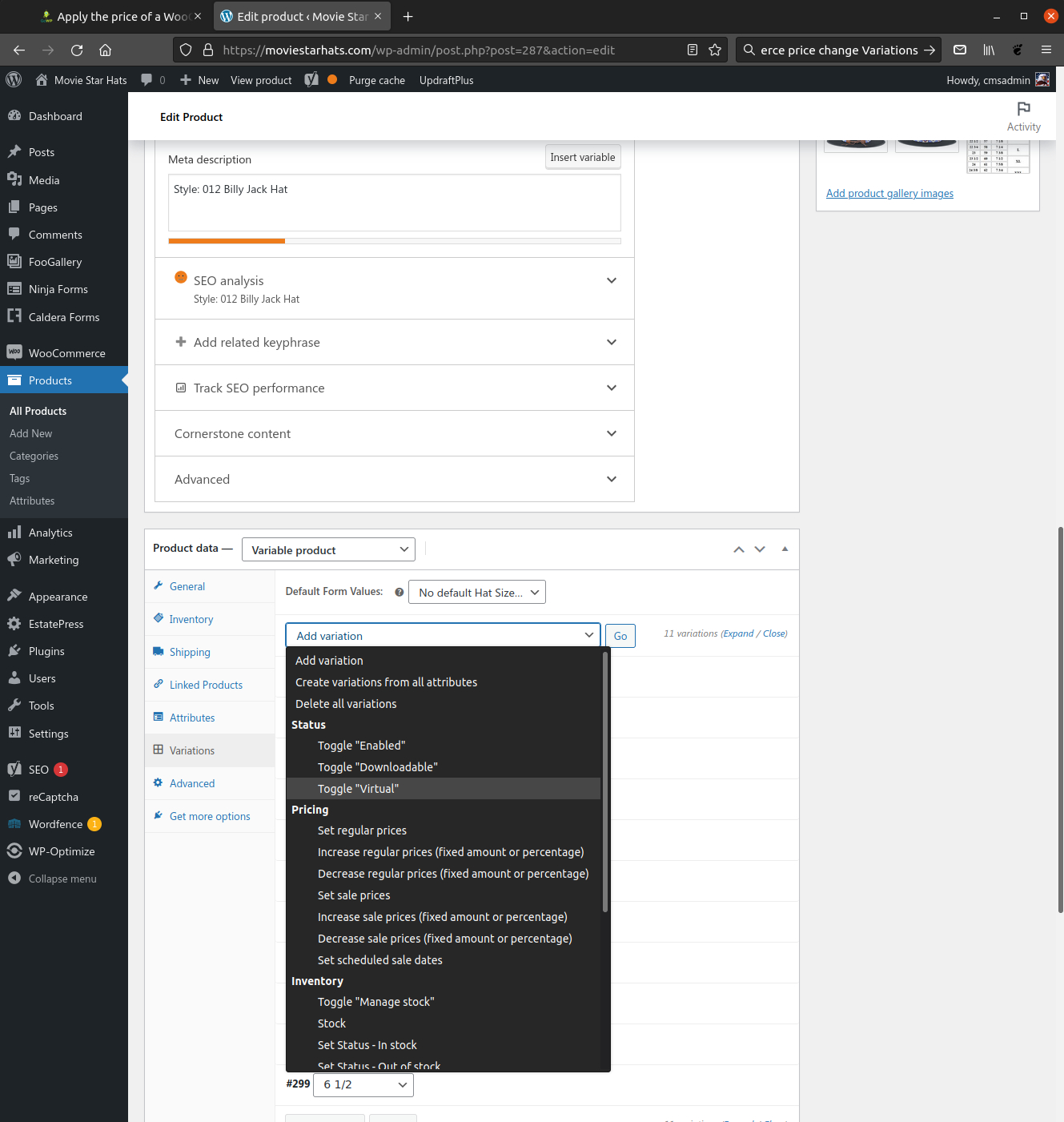
UPDATE: As it turns out, WooCommerce has added built-in support for the bulk editing of variations. While editing your product, after having added one or more variations, the “Add Variation” drop-down at the top of the Variations tab also includes a number of bulk edit options; you can set both regular and sale prices or modify either, increasing or decreasing by a percentage or set amount, for example.
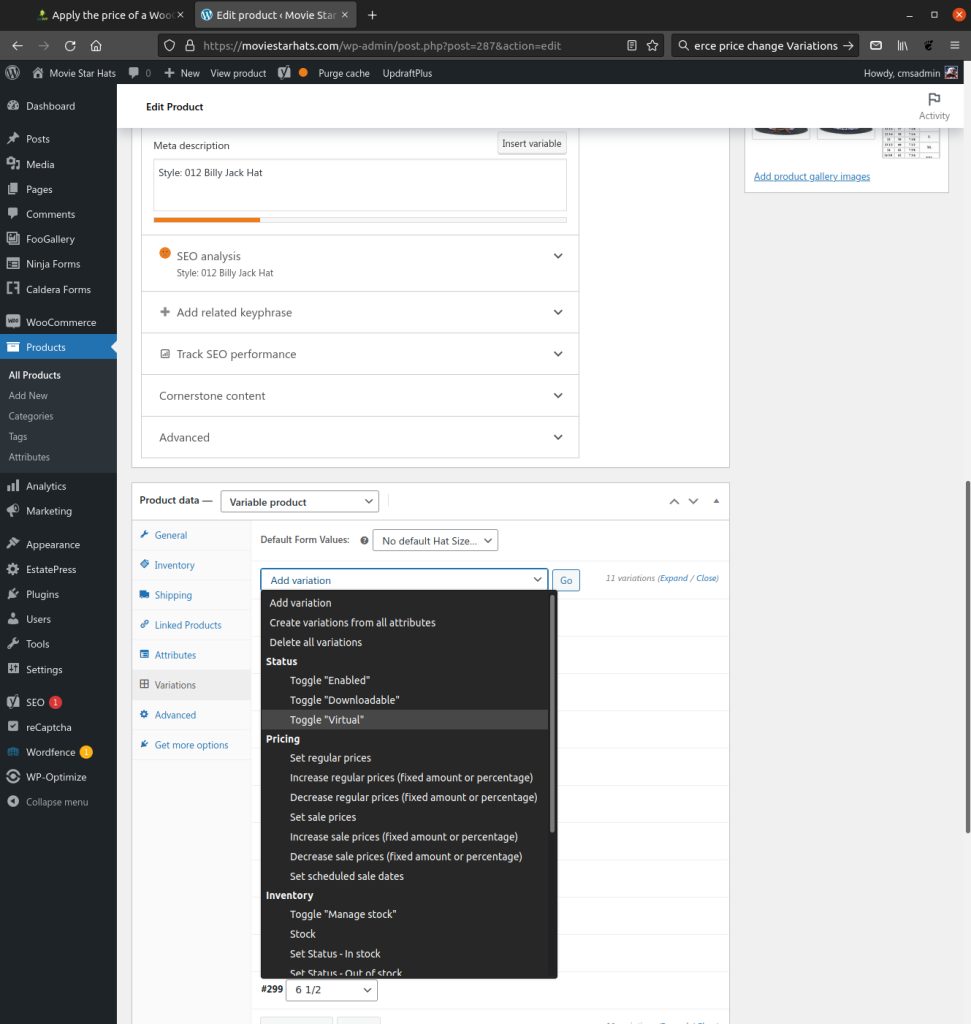
Assuming you’re not using a very old version of WooCommerce, you can use the above and ignore the rest of this article.
We’ll make use of the woocommerce_product_data_panels action hook, which is triggered after all of the panels in the “Product Data” metabox have been output, to include a few lines of JavaScript that will add a link next to the “Regular Price” field label of all variations. When clicked, this link will (after a confirmation dialog) use the price of the current variation to update all the other variations.